- Comparison
- Manual paraphrasing
- AI writing
Manual vs automatic paraphrasing: when each one fits
Automatic paraphrasers are fast; manual paraphrasing keeps meaning and voice under your control. A fair comparison and how to choose.
· 2 min read
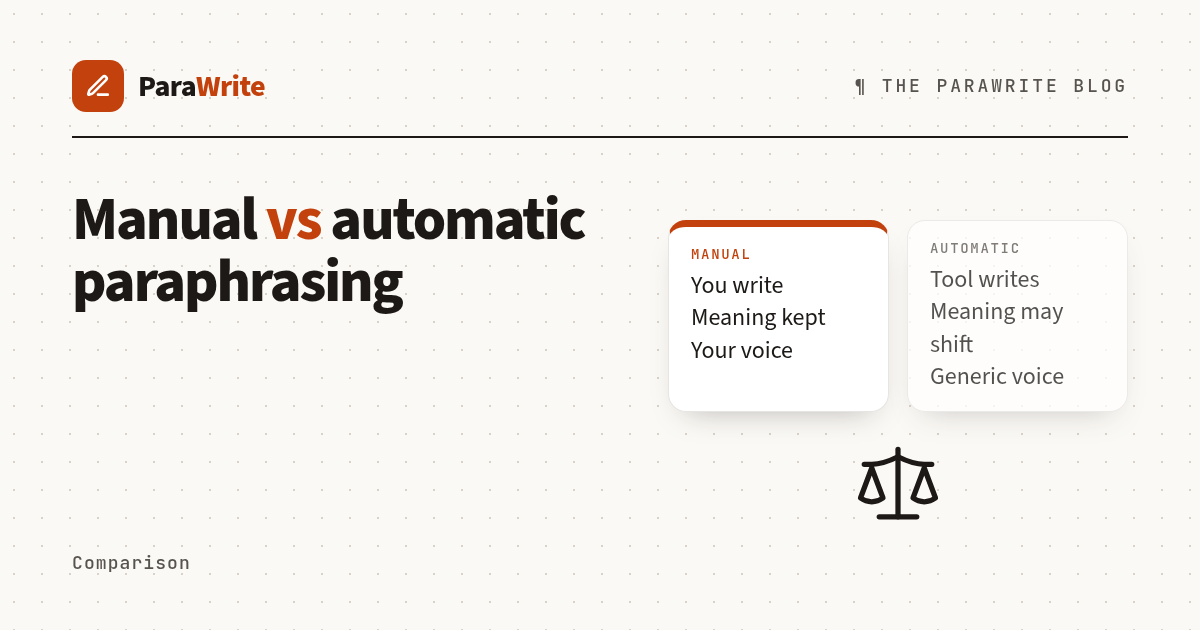
There are two ways to paraphrase with software. Automatic paraphrasing means a tool rewrites the text for you. Manual paraphrasing means you rewrite it yourself and the tool handles the structure around you: splitting, context, progress and review. ParaWrite is a manual tool, so I have an obvious bias. I'll try to be fair anyway, because automatic tools are the right choice for some jobs.
What is the difference?
| Manual paraphrasing | Automatic paraphrasing | |
|---|---|---|
| Who writes the words | You | The tool |
| Speed | Minutes per page | Seconds per page |
| Meaning | Stays as you intend | Can shift without notice |
| Voice | Yours | The tool's |
| Effort | High | Low |
| Best for | Work you sign your name to | Rough drafts and throwaway text |
When is automatic paraphrasing a good fit?
Automatic tools are genuinely useful when:
- The stakes are low. Internal notes, a first draft you will rewrite anyway, placeholder copy.
- You need ideas, not output. Seeing three alternative phrasings can unblock you, even if you use none of them.
- Speed matters more than precision. For example, summarising your own meeting notes for yourself.
In these cases a small change in meaning costs nothing, and the time saved is real.
When is manual paraphrasing the better choice?
Write it yourself when:
- Meaning must be exact. Research, legal, medical and technical writing, where "may" and "does" are different claims.
- It has to sound like you. Cover letters, personal statements, essays and anything with your name on it.
- The text must be your own work. Coursework and publications often require it, and automatic output can read as machine-written.
- You are learning to write. Rewriting is practice. Handing it off skips the part that makes you better.
Why automatic tools change meaning
Automatic paraphrasers are optimised to produce text that differs from the input and reads fluently. Nothing in that goal guarantees the claim, its strength and its scope stay the same. So the tool swaps "suggests" for "shows", replaces a technical term with a near-synonym, or drops a qualifier, and the output still reads well. You only find out by checking every sentence against the original. At that point you are doing manual review anyway.
What makes manual paraphrasing faster
Manual doesn't have to mean slow and painful. Most of the friction comes from the setup, not the writing:
- Losing your place between the original and your draft.
- Losing the context of the sentences around the one you're rewriting.
- Not knowing what's done in a long document.
A manual paraphrasing tool fixes those. ParaWrite splits your text into sentences, shows one at a time with the original above it and the document beside it, tracks what you have edited, and lets you review every change at the end.
How to choose
Ask one question: would a small, silent change in meaning matter? If not, an automatic tool will save you time. If it would, write it yourself, sentence by sentence, with the original in view.
Read more about rewriting without changing the meaning.